

Find your invoices and receipts
Sooner or later someone asks for a receipt. An accountant, an expense form, or just future you at tax time.
Dabble keeps a record of every charge in your billing portal, ready to view or download whenever you need it.
Before you begin
Section titled “Before you begin”Your billing settings live in your Dabble account, which is separate from the writing app. You open it from the writer and land signed in.
Bought your subscription through the Apple App Store or Google Play? Then your receipts come from that store, not from Dabble. Find them in your App Store or Google Play purchase history instead.
Find and download an invoice
Section titled “Find and download an invoice”- In the writer, click your avatar in the top-right corner.
- Click Billing. This opens your billing portal in a new view.
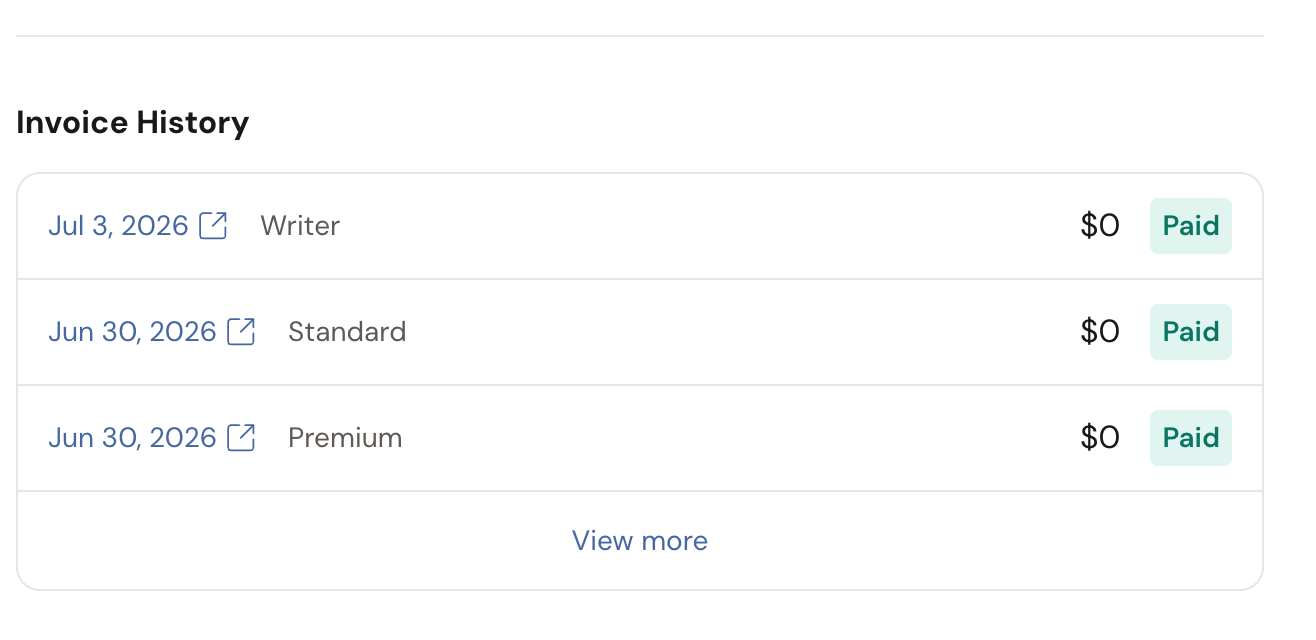
- Scroll to the Invoice History section.
- Find the charge you need, then open or download the invoice from its row.
The Invoice History section lists your past charges, so you can pull a receipt for any payment you’ve made.
That downloaded invoice is what you hand to an accountant or attach to an expense report. It shows what you paid, when, and for which plan.