

Sign in and reset your password
Locked out? Blanking on which password you used three laptops ago? It happens to everyone eventually.
Your account, sign-in, and password all live in your account portal at accounts.dabblewriter.com, separate from the writing app. Dabble signs you in with your email and password.
This doc gets you back in, three ways.
Sign in
Section titled “Sign in”- Go to the login page at
accounts.dabblewriter.com/auth/login. - Enter your email and password.
- Click Log in.
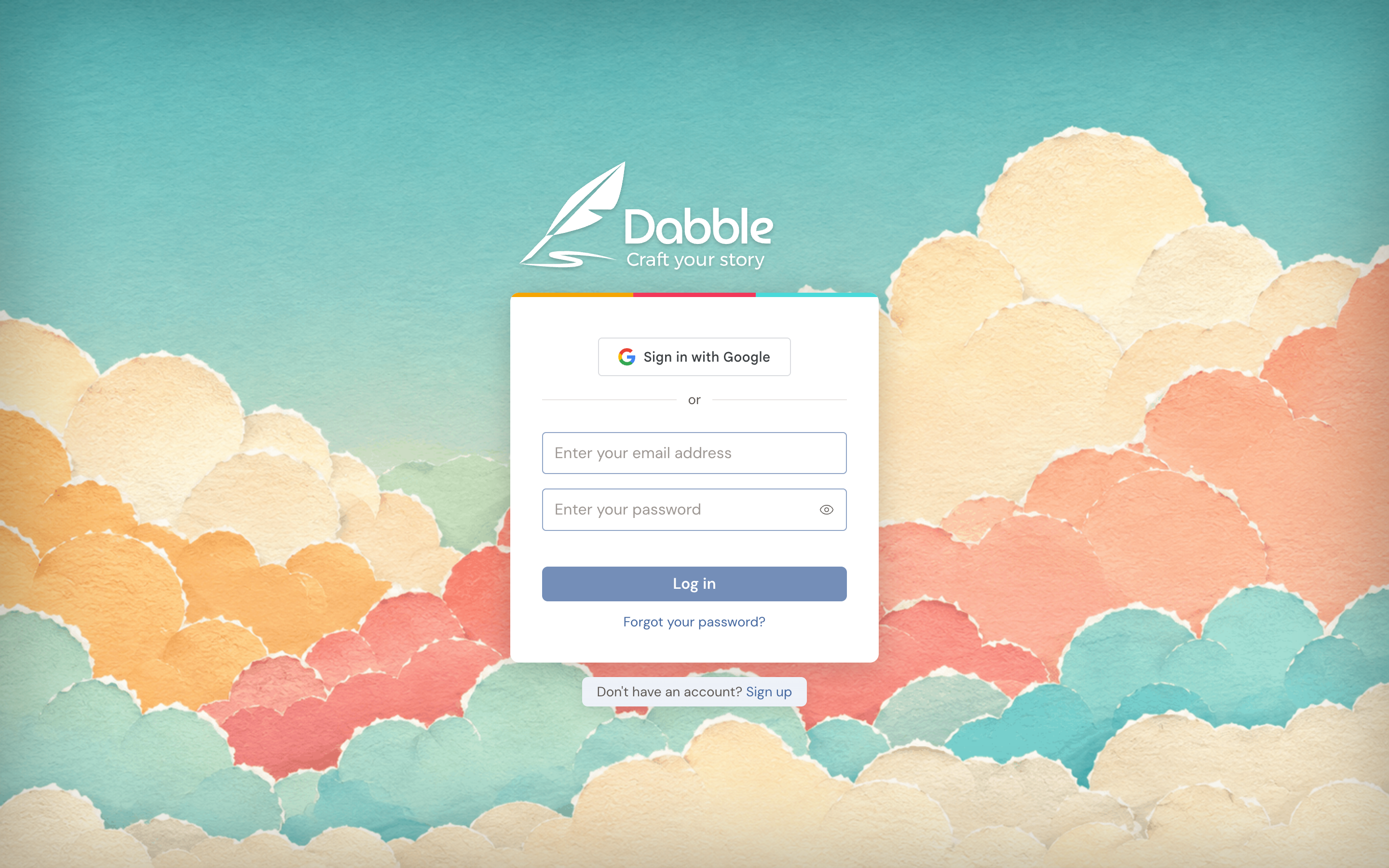
New here? Click Sign up from the link “Don’t have an account? Sign up” to start your 14-day free trial.
Reset a forgotten password
Section titled “Reset a forgotten password”Can’t get in? Here’s the quick way back.
- On the Log in page, click Forgot your password?
- On the Reset your password page, enter your email address.
- Click Send reset link.
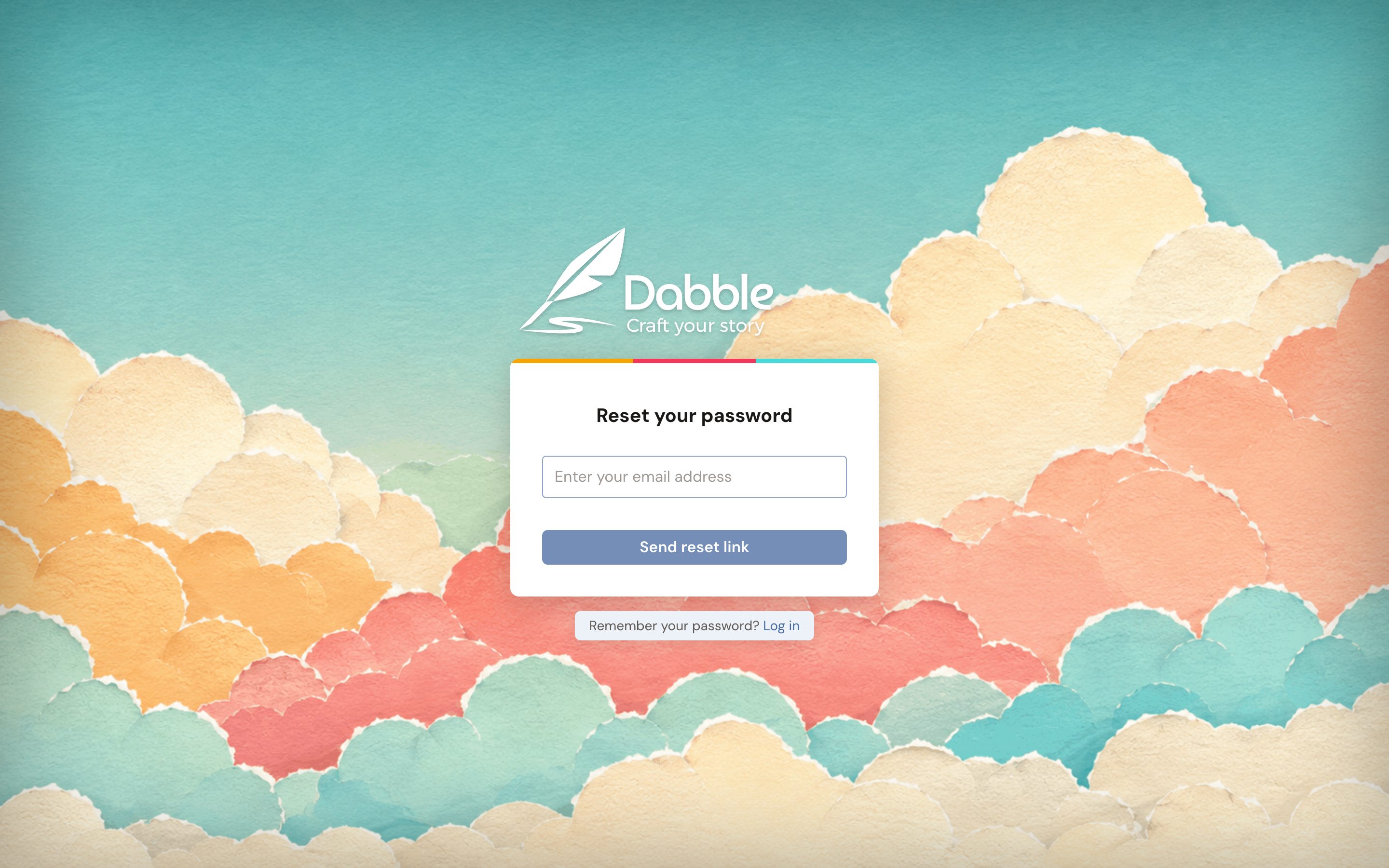
- You’ll see the message “If an account exists for that email, we sent reset instructions.” Check your inbox and open the reset email.
- Follow the link in the email to choose a new password, then sign in with it.
Your new password must meet these rules:
- At least one uppercase letter
- At least one lowercase letter
- At least one digit
- At least one special character
- Between 8 and 32 characters
Change a password you already know
Section titled “Change a password you already know”Already signed in and just want a fresh one? This takes about a minute.
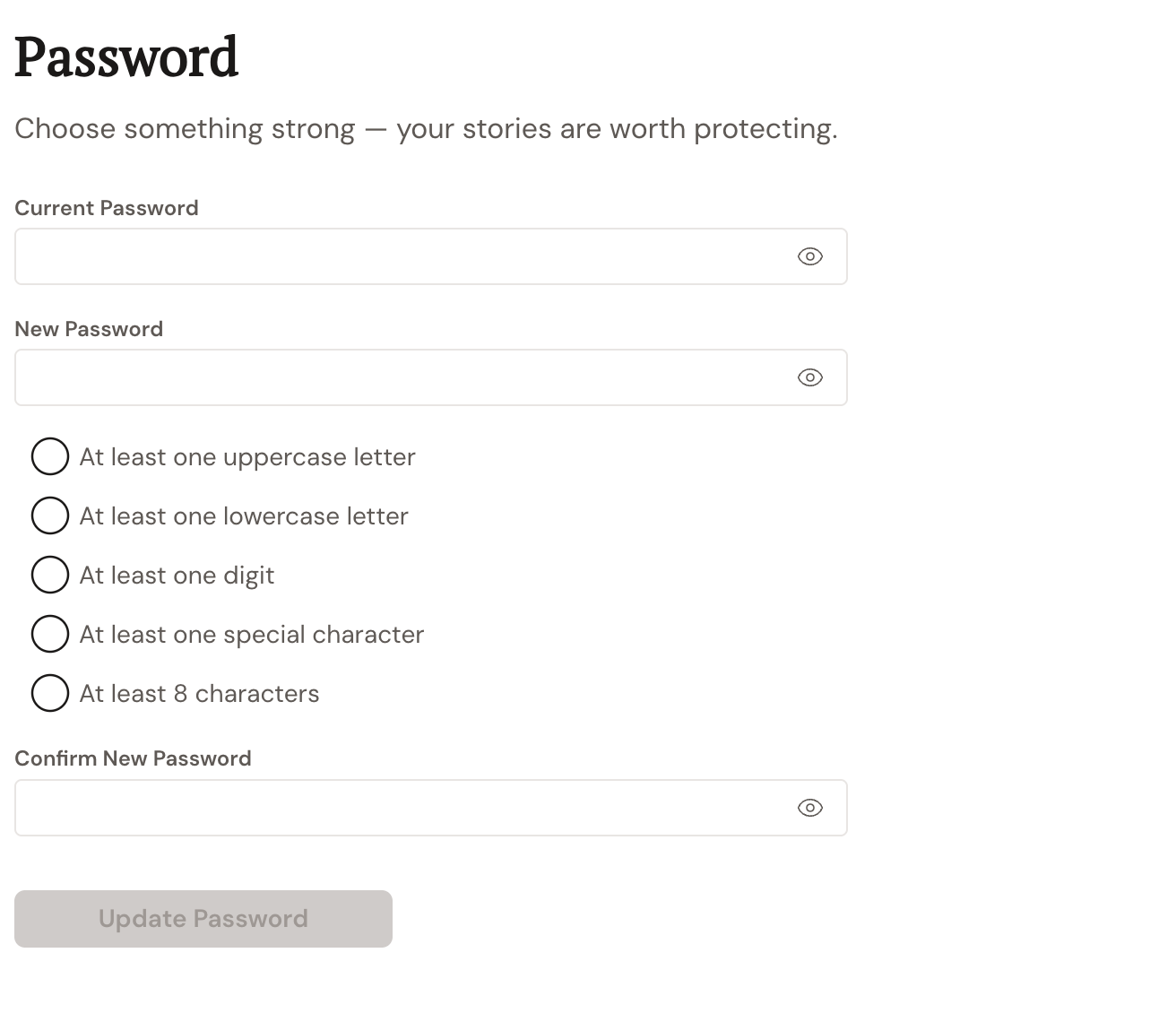
- Open your account settings and choose Password.
- Enter your Current Password, then your New Password, then Confirm New Password.
- Click Update Password.
Success looks like “Password updated successfully.” If the two new passwords don’t match, Dabble shows “New passwords do not match.” and nothing changes.
Troubleshooting
Section titled “Troubleshooting”- Email or password is incorrect. Double-check for typos and caps lock. If you can’t remember your password, use Forgot your password? above.
- Nothing arrives after a reset. For privacy, Dabble always shows the same “If an account exists for that email, we sent reset instructions.” message whether or not an account exists. So confirm you used the email you signed up with, then check your spam folder. Wait a few minutes and try once more if needed.
- “Too many attempts. Try again later or contact support for help.” Give it a little time before trying again, or reach out to support if you stay locked out.
- Signing in to a different account. Dabble supports more than one account at once. From the writing app, your avatar menu includes Sign In To Another Account, which opens the login page.