

Understanding your subscription
You set up a subscription once and then mostly forget it exists. Until a question pops up. What are you actually paying for? What happens if you pause? Is your manuscript still safe if you stop?
Short answer to that last one: yes. Always. Your words don’t go anywhere.
This page explains what a Dabble subscription is, the states it moves through, and where to manage every part of it.
Where your subscription lives
Section titled “Where your subscription lives”Your subscription lives in your Dabble account, separate from the writing app itself.
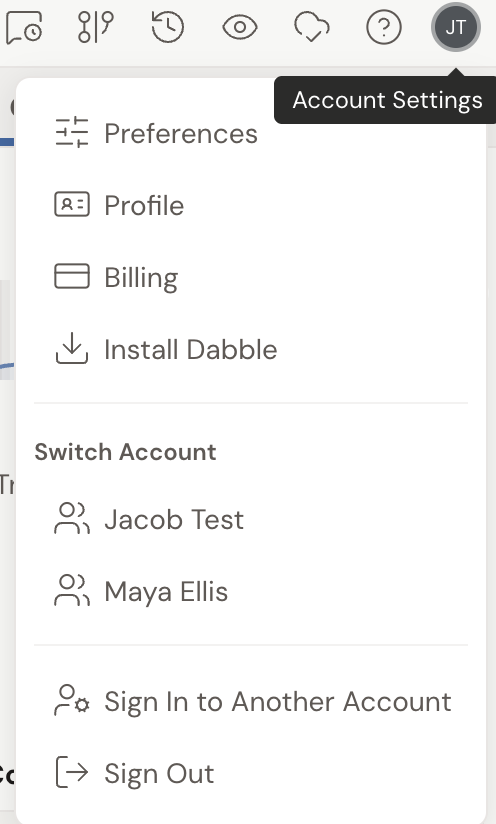
To get there, click your avatar in the top-right corner of the writer, then choose Billing. That opens the billing portal.
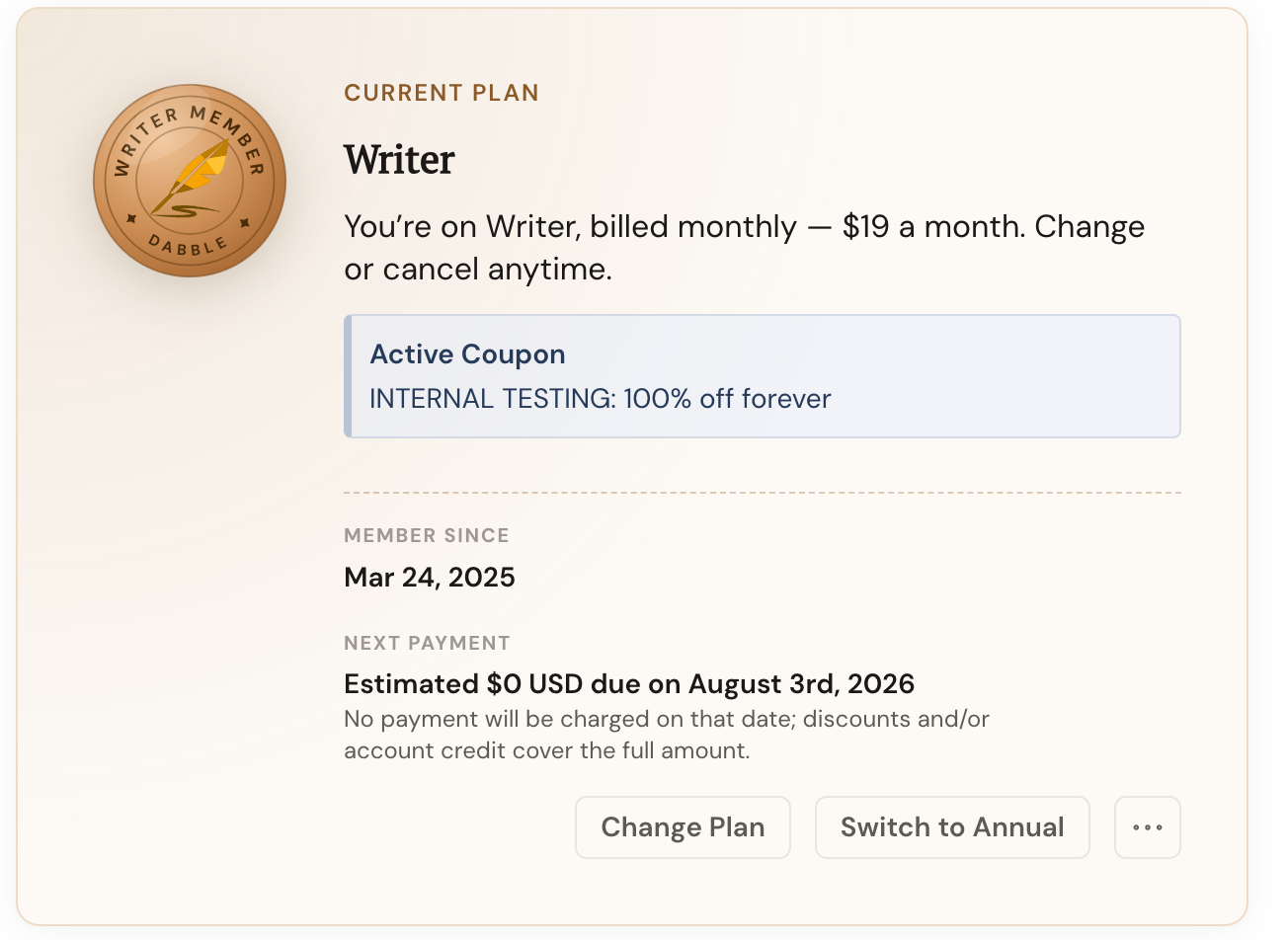
The Current Plan panel is the headline. It shows your status, your plan name, your price, and an estimate of your next payment.
Scroll down for your Payment Method and Invoice History, plus any discounts or account credit waiting on your next bill.
Your free trial
Section titled “Your free trial”Every new Dabble account starts with a 14 day free trial.
Write, sync, use the full toolset. No payment up front.
While the trial runs, the billing portal shows a status like Trial ends {date}, so the clock is never a mystery.
Want to keep writing after the trial? Add a subscription before it ends. Want to stop instead? Use Cancel Trial in the portal.
The subscription lifecycle
Section titled “The subscription lifecycle”Your subscription moves through a few natural states. The billing portal marks where you are with a status badge.
- Trialing: your free trial is running. The badge reads Trialing {plan}, ends {date} or Trial ends {date}.
- Active: you have a paid plan in good standing. Subscriptions are prepaid, so you’re charged at the start of each billing period until you cancel.
- Paused: you’ve temporarily paused billing. The badge reads Paused, resumes {date}, and you won’t be charged again until then.
- Past Due: a payment didn’t go through. You’ll see Your payment is past due. Please update your payment method.
- Inactive / No Active Plan: you have no current paid plan. This happens after a trial ends with no subscription added, or after a cancellation takes effect.
Paused or inactive, your writing is never lost. You can still sign in, read, and export everything you’ve written. Full editing comes back the moment your plan is active again.
Monthly, annual, and lifetime billing
Section titled “Monthly, annual, and lifetime billing”Dabble plans bill Monthly or Annually, and you can switch between them whenever you like.
Paying annually costs less over the year. Dabble pitches it as Save ~20% with annual billing, and monthly subscribers get a Switch to Annual shortcut right in the billing portal.
Some accounts have a one-time Lifetime Access plan. If that’s you, the portal keeps it simple: it shows You have a lifetime plan. and there’s nothing more to manage.
Pausing, canceling, and changing your plan
Section titled “Pausing, canceling, and changing your plan”You’re in control of your subscription at any time, all from the billing portal.
- Change Plan moves you to a different tier or billing interval. Dabble prorates the change and shows the amount due before you confirm. Moving to a cheaper plan can leave a positive credit on your account that applies to your next payment.
- Pause Subscription takes a break without canceling.
- Cancel Subscription stops the renewal. By default it cancels at the end of your current billing period, so you keep access until then. Changed your mind? Undo Cancellation reverses it before it takes effect.
Each one has its own walkthrough linked below.
A note on AI
Section titled “A note on AI”Dabble is AI-free, and that’s a deliberate choice we stand behind.
Your subscription pays for the writing tools, sync, and backup that help you tell your story, not for generative AI writing features.
The one exception is the text-to-speech voices that power Read to Me.