

Archive a project
You finished a draft. Or you set one aside to cool off for a while.
Either way, it’s still sitting on your dashboard, crowding the projects you’re actually working on. You don’t want to delete it. You just want it out of the way.
Archiving does exactly that. It tucks a project into the Archived view. Nothing gets deleted, and you can bring it back anytime.
We’ll cover:
- Archive a project: tuck it out of your active dashboard
- View your archived projects: find everything you’ve set aside
- Bring a project back: unarchive in a couple of clicks
- Archive collections: file away a whole shelf at once
Before you begin
Section titled “Before you begin”- Archiving never loses anything. Your archived project stays fully intact. You can still open it, read it, and duplicate it.
- Archive isn’t Trash. Archived projects are never deleted and never auto-removed. If you actually want a project gone, use Send to Trash instead.
- Only the owner can archive. The Archive action shows up only for the project owner. If a project was shared with you, you’ll see Leave Project instead.
Archive a project
Section titled “Archive a project”Three clicks and it’s tucked away.
- Go to the Projects dashboard and stay on the Active view.
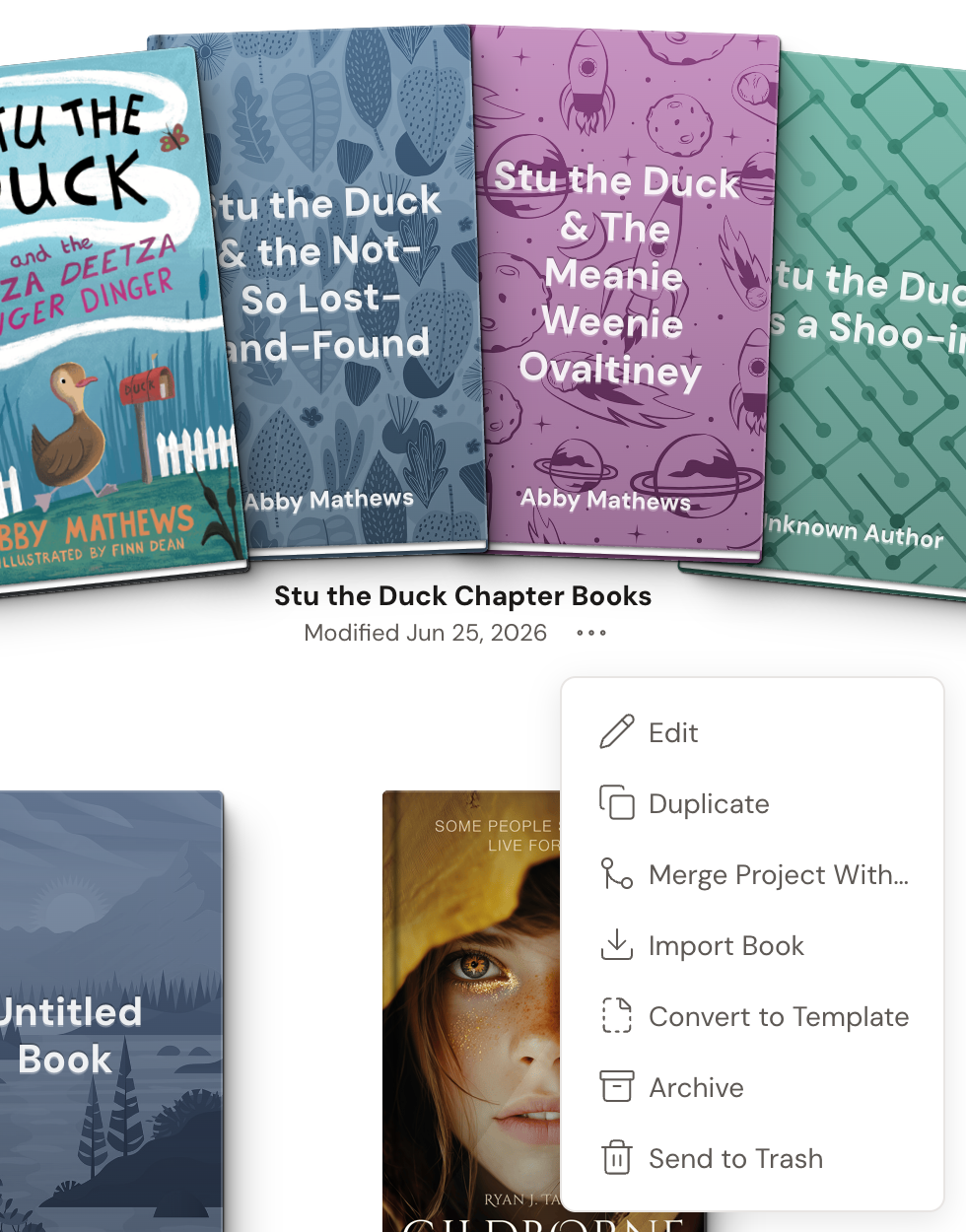
- Find the project tile. Click the … (ellipsis) button beside the “Modified” date on the tile.
- Click Archive. The project moves into the Archived view.
View your archived projects
Section titled “View your archived projects”Archived projects don’t vanish. They just move to their own shelf.
- On the dashboard, use the view switcher at the top.
- Choose Archived. This option only appears once you have at least one archived project.

Bring a project back
Section titled “Bring a project back”Ready to pick it up again? Unarchiving is just as quick.
- Switch to the Archived view.
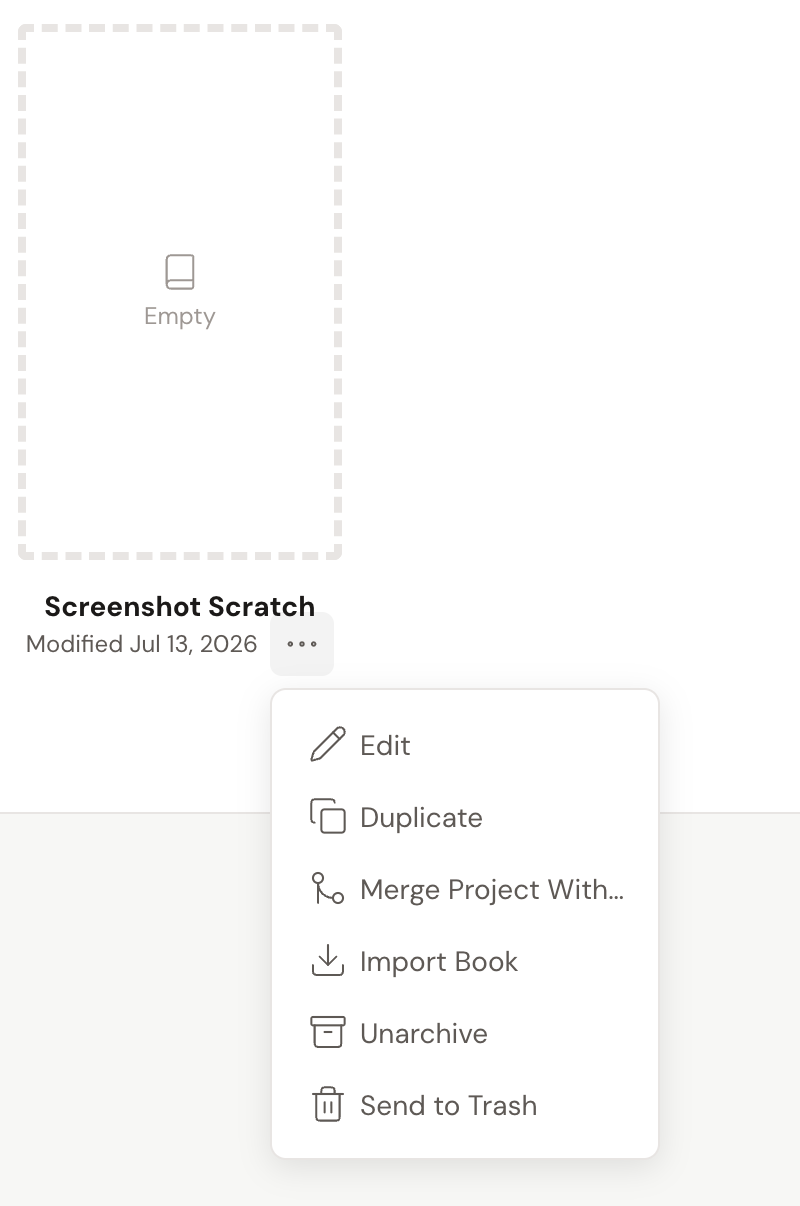
- Open the project tile’s … (ellipsis) menu.
- Click Unarchive. The project returns to your My Projects collection.
Archive collections
Section titled “Archive collections”- Archive a whole collection at once. Open a collection’s … menu and click Archive to archive every project inside it. To restore it, click Unarchive on the archived collection.
- The default collection needs a rename first. Your My Projects collection can’t be archived as-is. Rename it (which turns it into a regular collection), and then you can archive it.