

The command palette
You know the scene is in there. You wrote it last week. But now you’re scrolling the sidebar, opening folders, and it will not surface.
The command palette, called Quick Open, is a search box that jumps you to any document or note in your project. It searches both titles and the full text of your writing. So you don’t have to remember where you filed a scene. You just have to remember a few words you wrote in it.
We’ll cover:
- Open Quick Open: the shortcut and the button
- Search your whole project: how it matches titles and text
- Move through results: the keys to navigate and select
- What each result opens: documents vs. notes
- What Quick Open skips: Trash, opt-outs, and scaffolding
Open Quick Open
Section titled “Open Quick Open”One shortcut opens it from anywhere in your project.
| Action | Mac | Windows |
|---|---|---|
| Open Quick Open | Cmd+K | Ctrl+K |
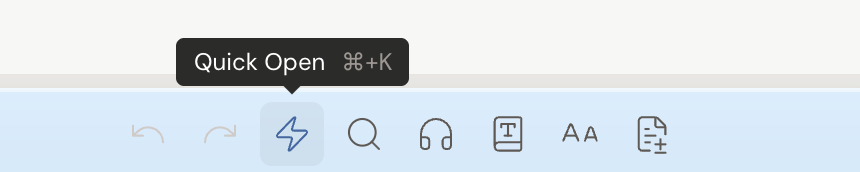
Prefer the mouse? Click the Quick Open button in the toolbar (the lightning icon) above the editor.
Search your whole project
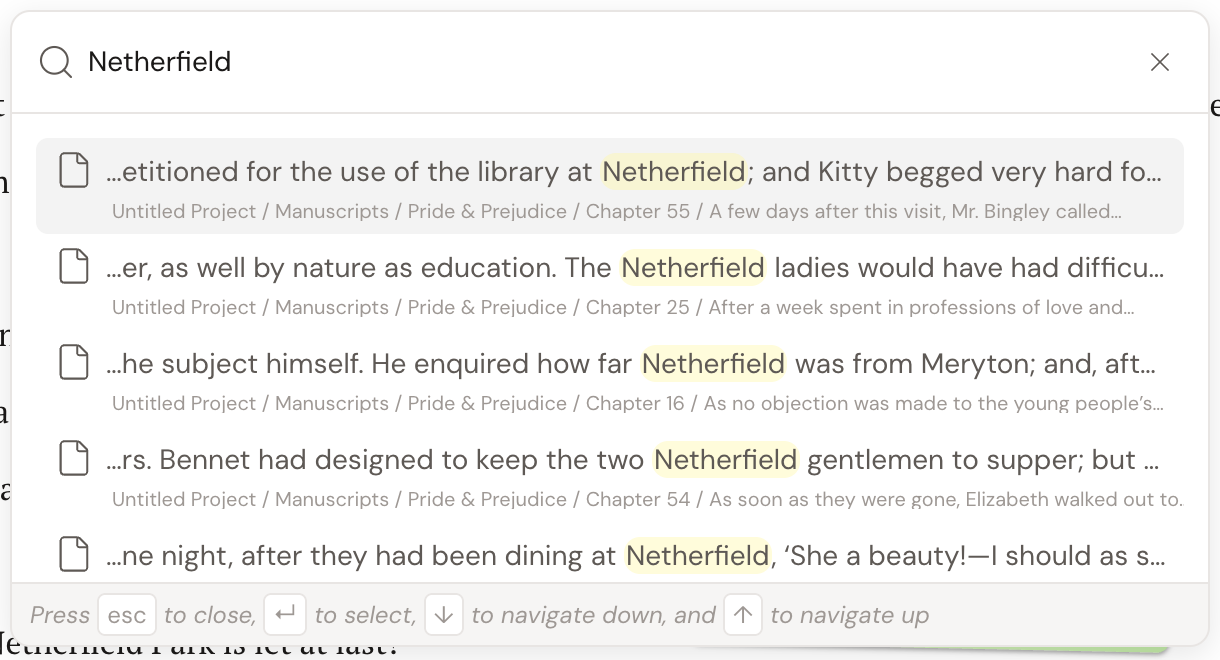
Section titled “Search your whole project”A centered search box appears with the placeholder Search…. Start typing to filter.
Quick Open searches your project in this order:
- Document titles (fuzzy match) first.
- Full body text and notes, shown with a highlighted snippet around the match.
Each result shows the document’s location as a breadcrumb path beneath it, so you always know where you’re about to land.
Move through results
Section titled “Move through results”Everything you need is in the palette footer:
| Key | Action |
|---|---|
| ↑ / ↓ | Move up and down the results |
| Enter (↵) | Open the selected result |
| Esc | Close the palette |
Or just click a result.
What each result opens
Section titled “What each result opens”Not every result lands the same way.
| Result type | What happens |
|---|---|
| Document | Opens the document. |
| Note | Opens its parent document, reveals the Notes tab in the right sidebar, and focuses that note. |
What Quick Open skips
Section titled “What Quick Open skips”A few things stay out of the results on purpose.
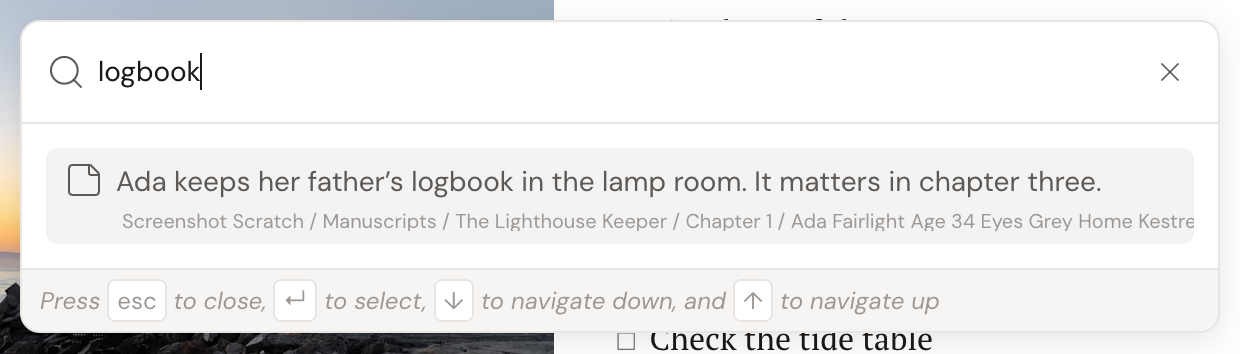
Quick Open does not return:
- Documents in the Trash.
- Document types that opt out of search.
- Plot notes and empty scaffolding notes.
Archived items sort to the bottom of the results.